Blizzard Quote [source]
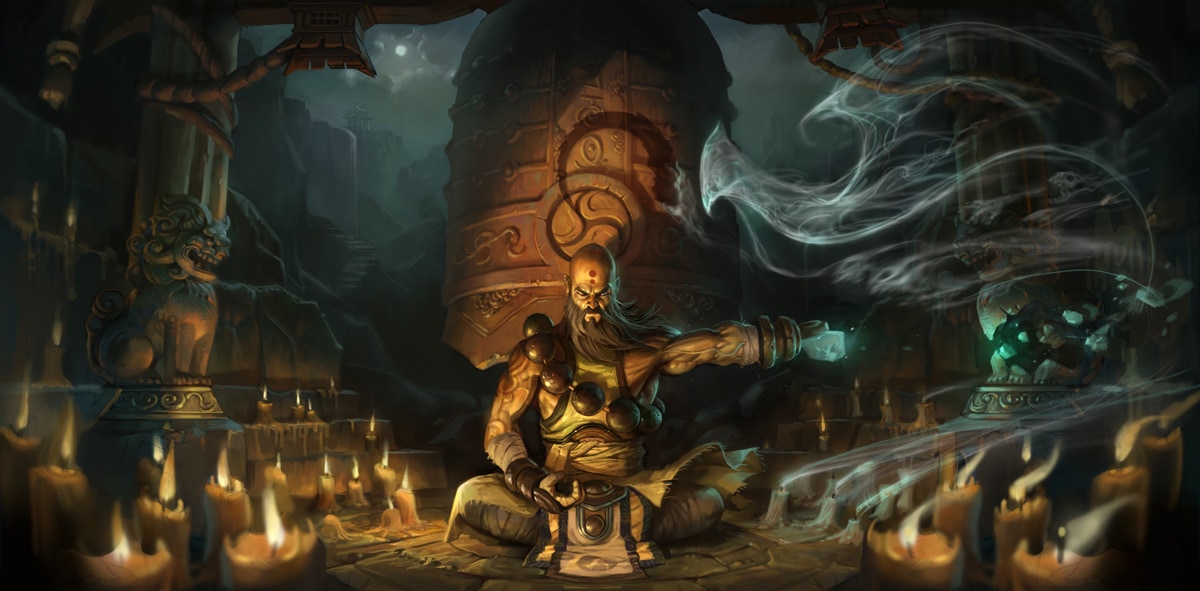
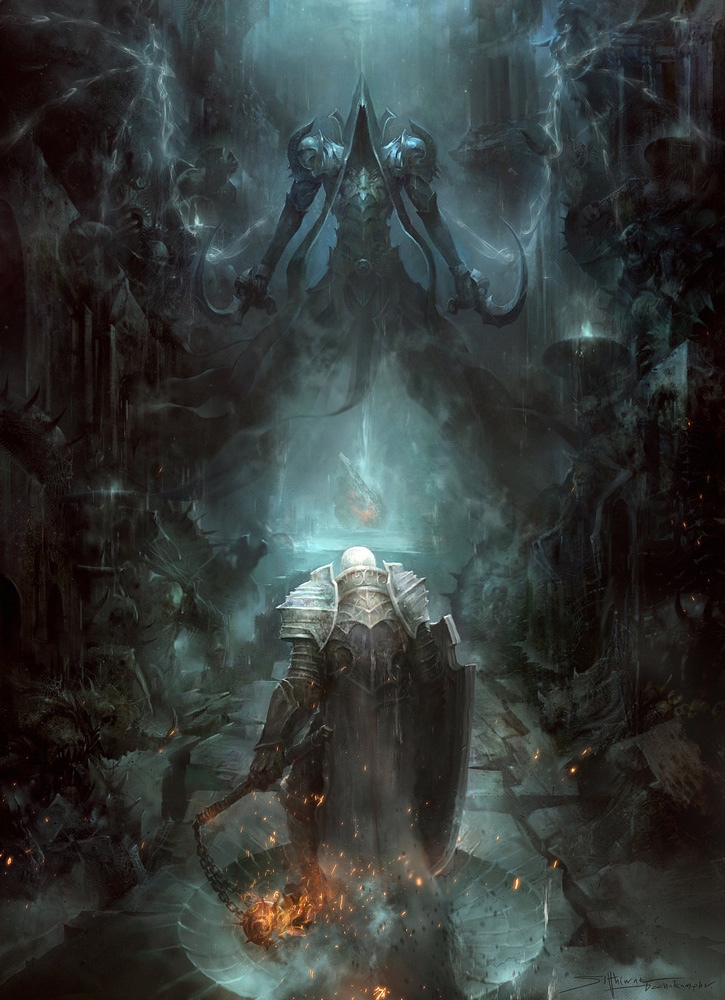
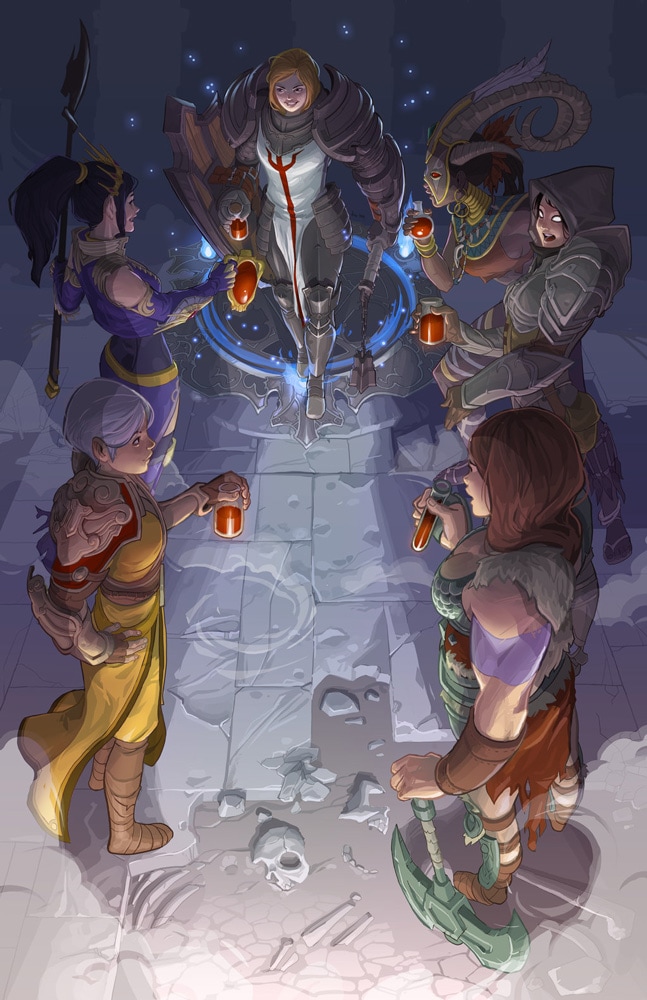
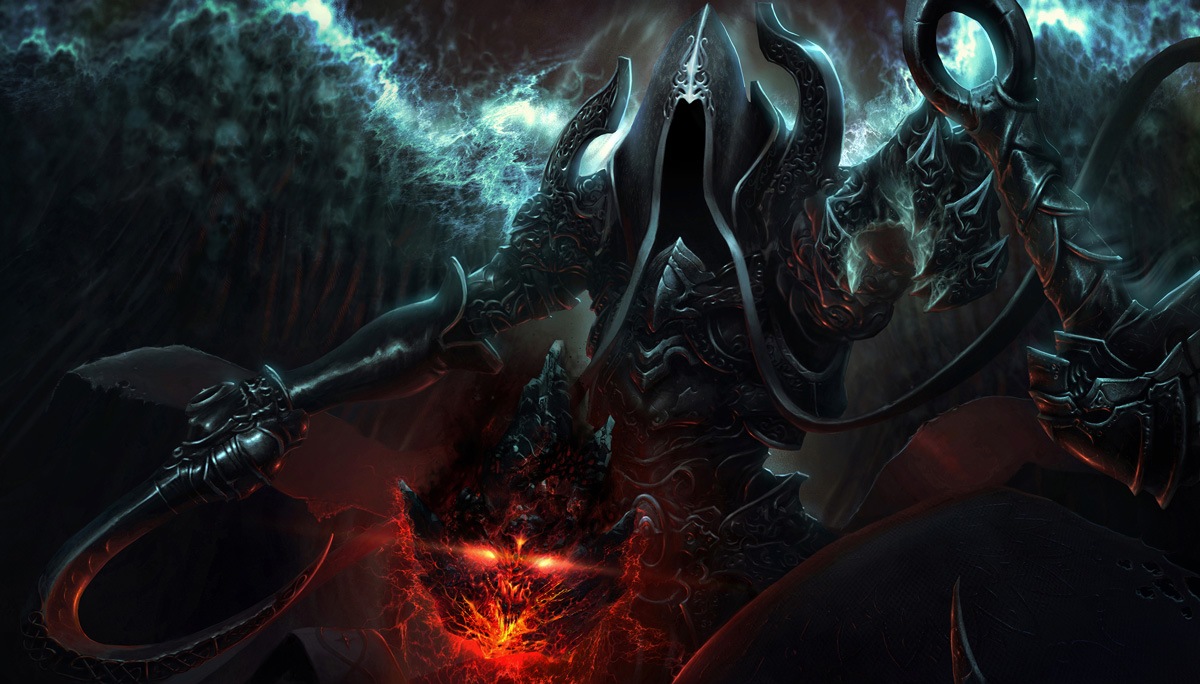
Over the last month, artisans from around the world have rallied their styluses and art supplies to celebrate the upcoming release of Diablo III: Reaper of Souls™. One-by-one, they've channeled their inner nephalem to create stunning illustrations depicting one or more central figures of the expansion getting ready for the coming conflict against Malthael, the Angel of Death.
There are over $11,000 worth of prizes and a two-night trip to Blizzard HQ in Irvine, CA up for grabs, and by the time the deadline for the contest drew to a close last week, an incredible 3,619 pieces of stunning artwork had been submitted! The sheer talent of each and every one of these artists is astounding, and we highly encourage you to feast your eyes on all of the contest entries.
Twenty-five semi-finalists have been chosen by deviantART staff, and in the next few weeks, we'll be announcing the three grand-prize winners of this epic contest, so stay tuned! In the meantime, feast your eyes on the top 25 semi-finalists below.
|
|
| "Fist of Conviction" by Yong Jun Cho (Nixell) |
 |
 |
| "Among the Dead" by TheRafa | "Waypoint" by Nicc Balce (Robotnicc) |
|
|
| "Immortal Soul Set in Stone" by Deeedge |
 |
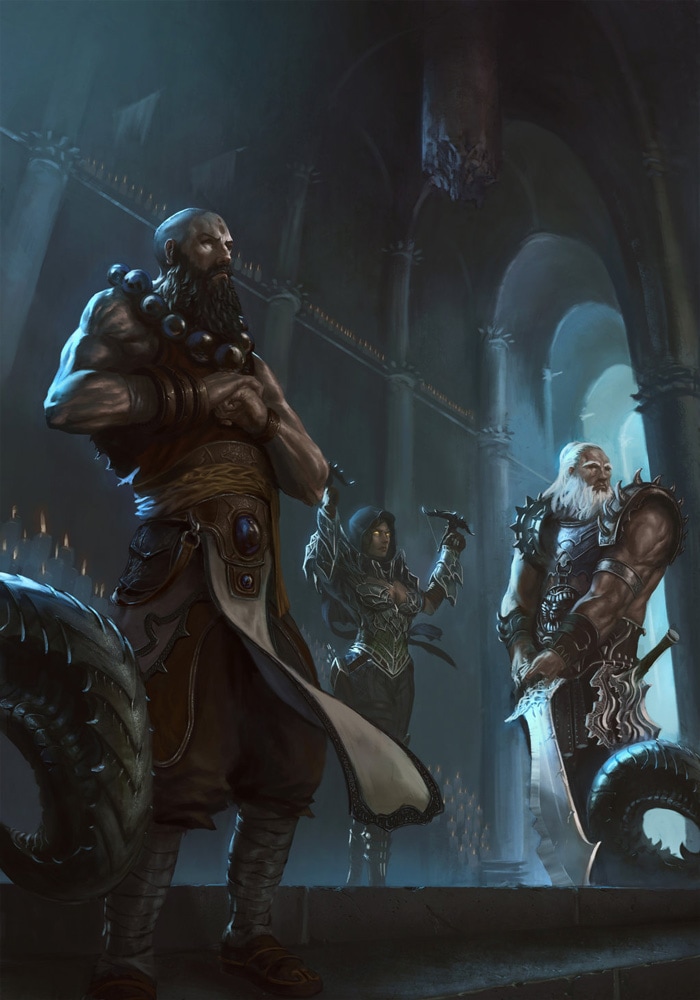 |
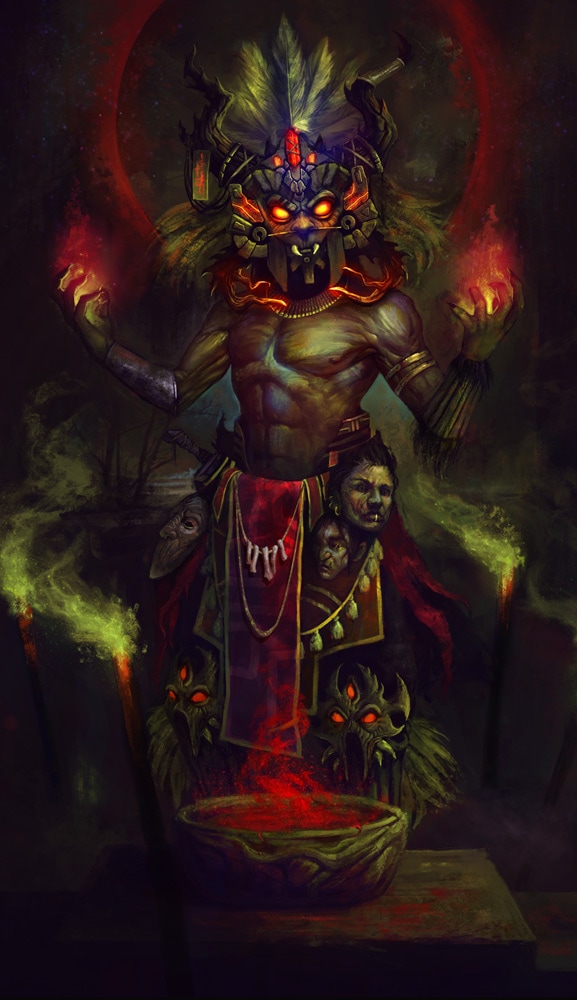
| "Witch Doctor" by deathstars69 | "Diablo III RoS Contest" by Klaus Pillon (KlausPillon) |
|
|
| "The Spirits Grant Me Blessings" by congbu |

 |
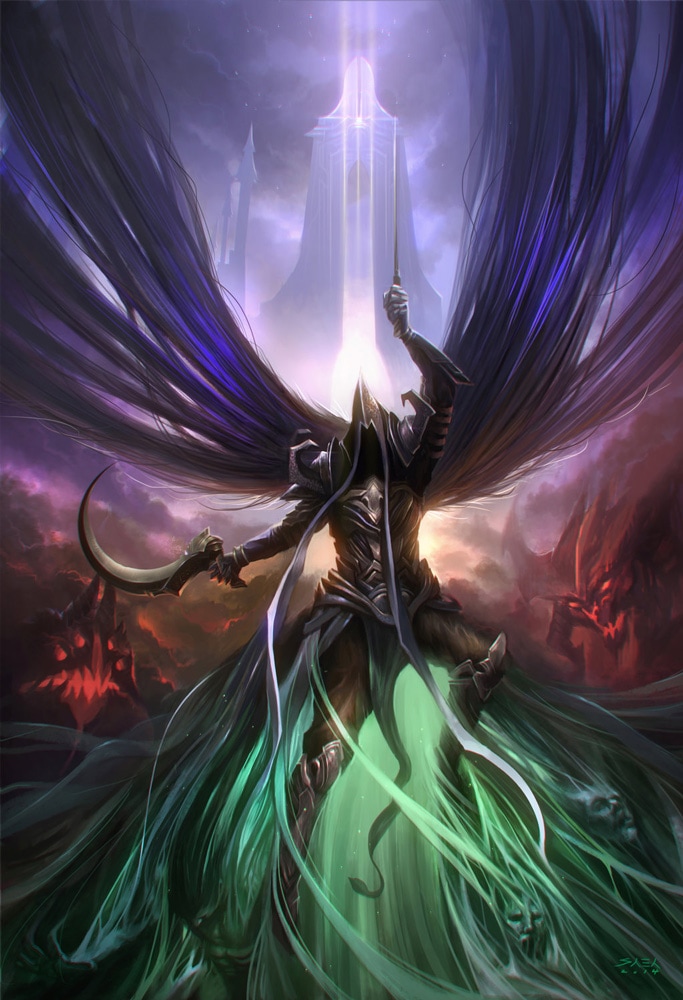 |
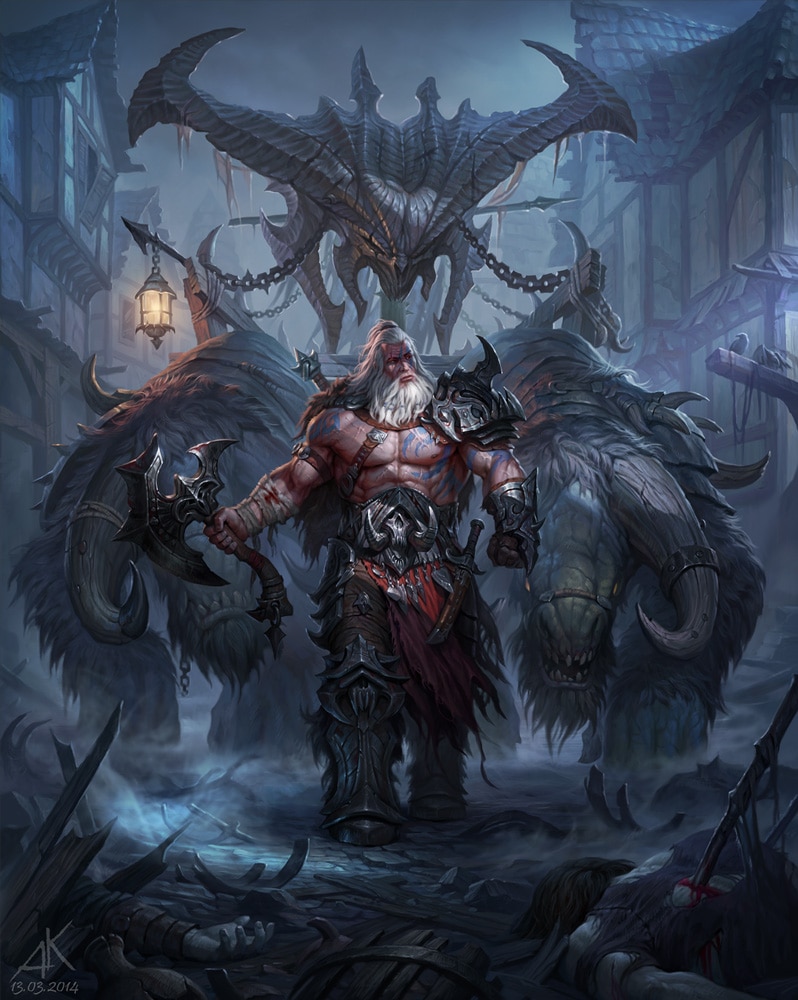
| "New Evil" by Kuzinskiy Audrey (Kuzinskiy) | "Alternative Angel" by bongbaba |
|
|
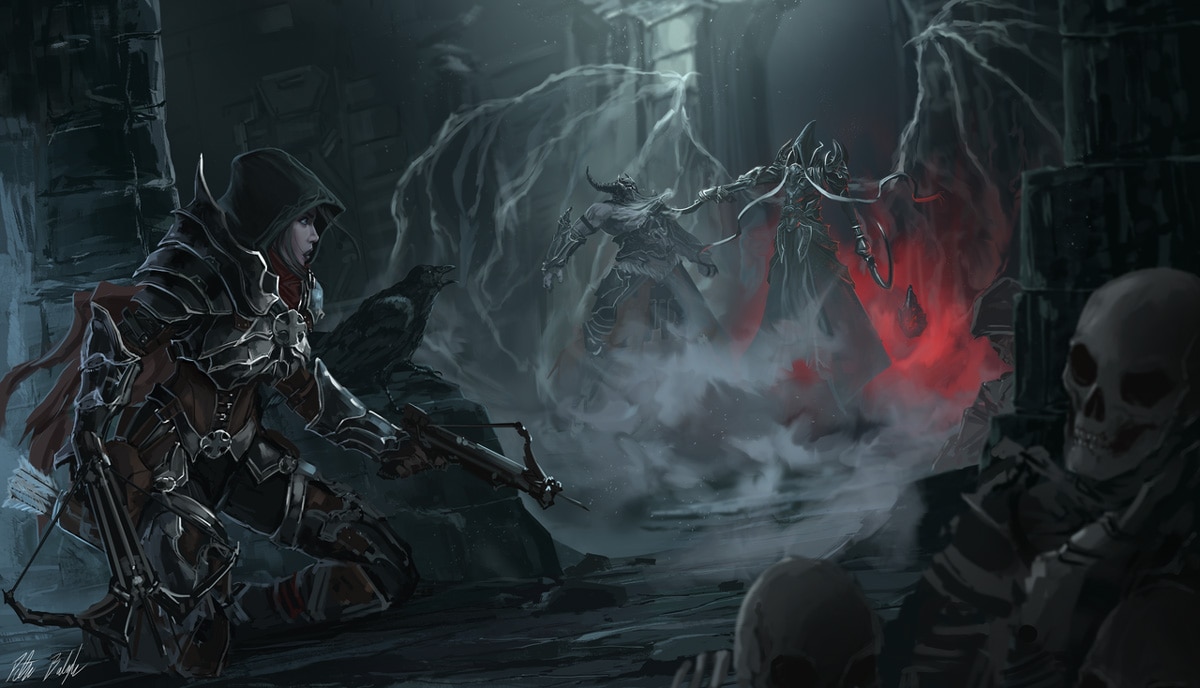
| "Reaper of Souls" by Peter Balogh (PeterPrime) |
|
|
| "The Calm Before the Storm" by TheEchoDragon |
 |
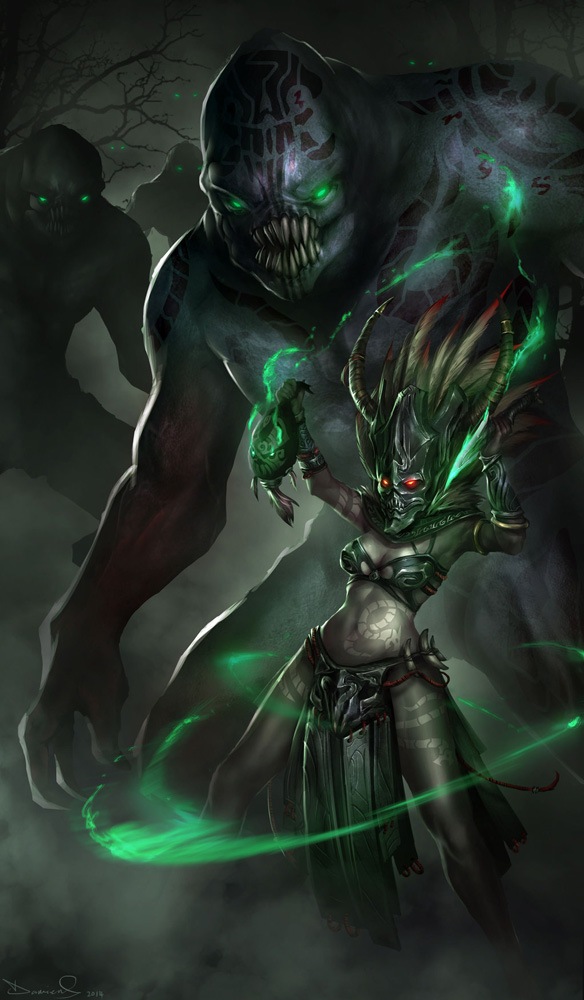 |
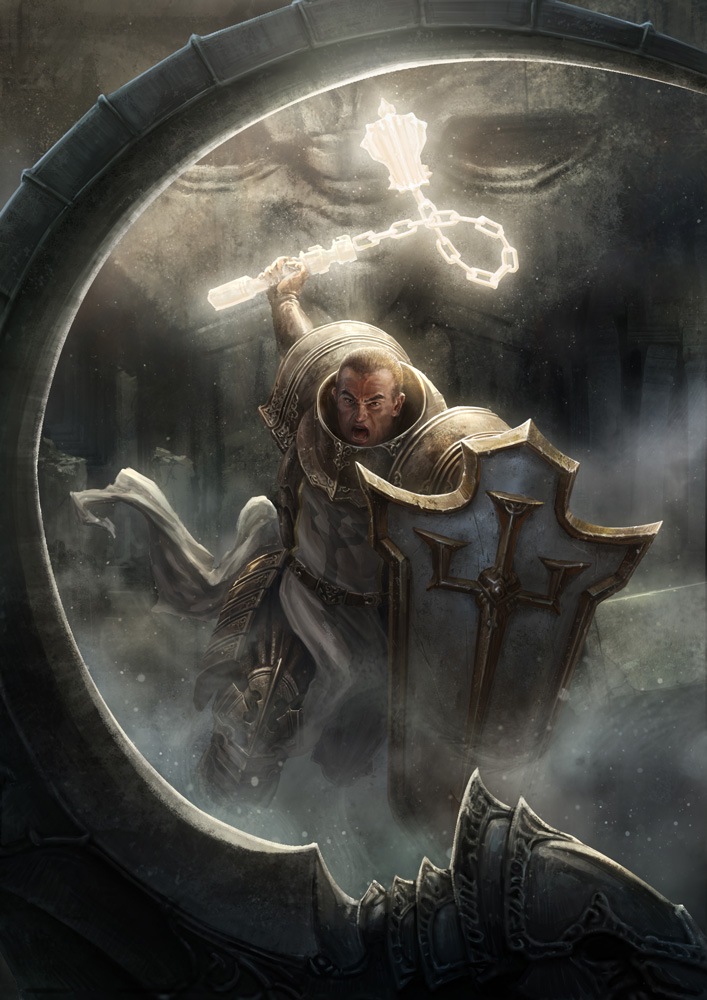
| "Crusader" by Shen Fei (Shenfeic) | "D3 Witch Doctor" by daemonstar |
|
|
| "Malthael - Reaper of Souls" by ArisT0te |

|
|
| "A Witch Doctor" by Kashuse |

 |
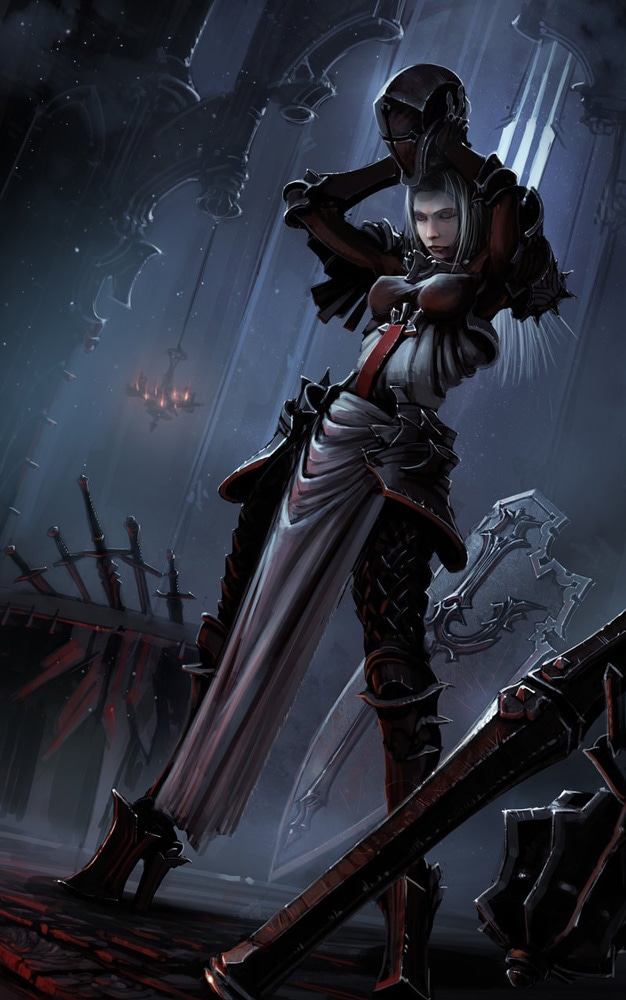 |
| "Golden Hour Monk" by Leanfro Furlanetto (Slipled) | "Crusader" by Andrei Sherstuk (kkkiri) |
|
|
| "Diablo 3 Witch Doctor" by Igor-Grechany-Ostrov |
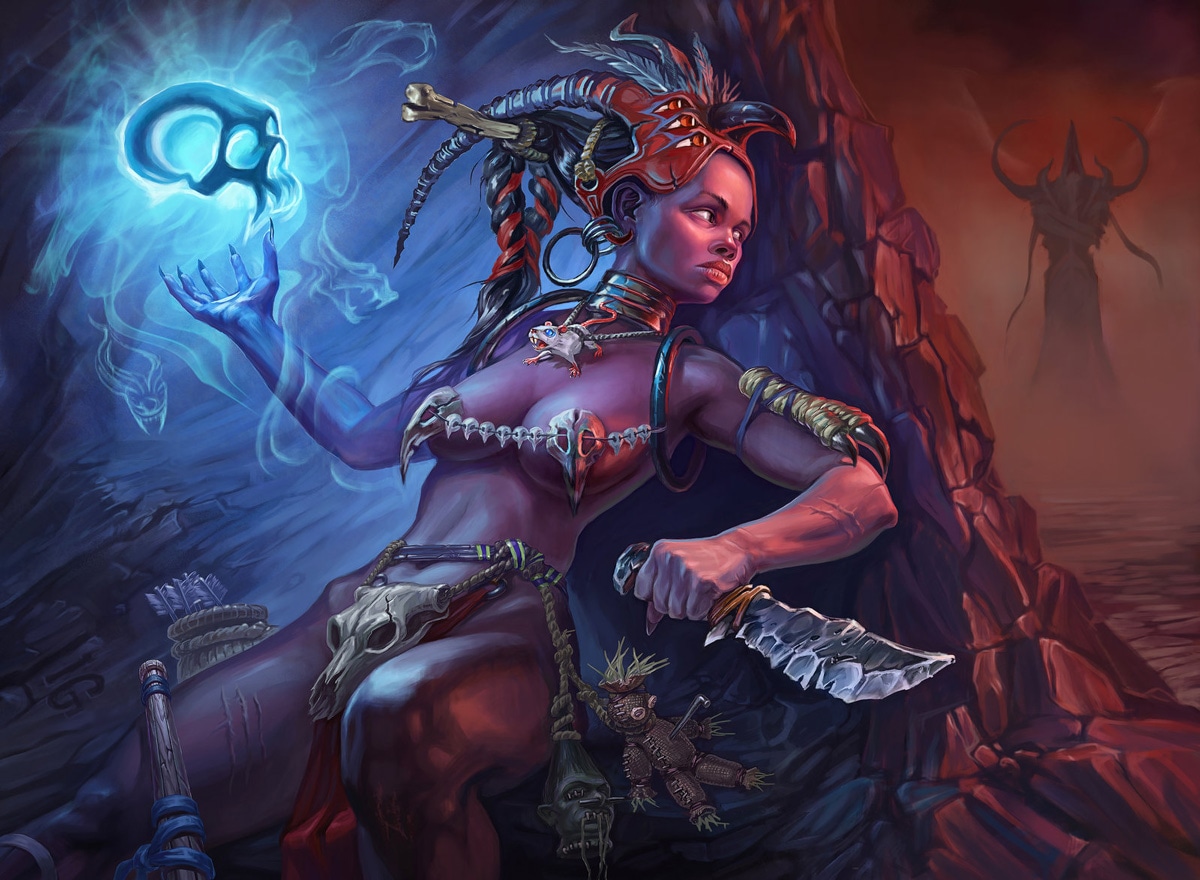
|
|
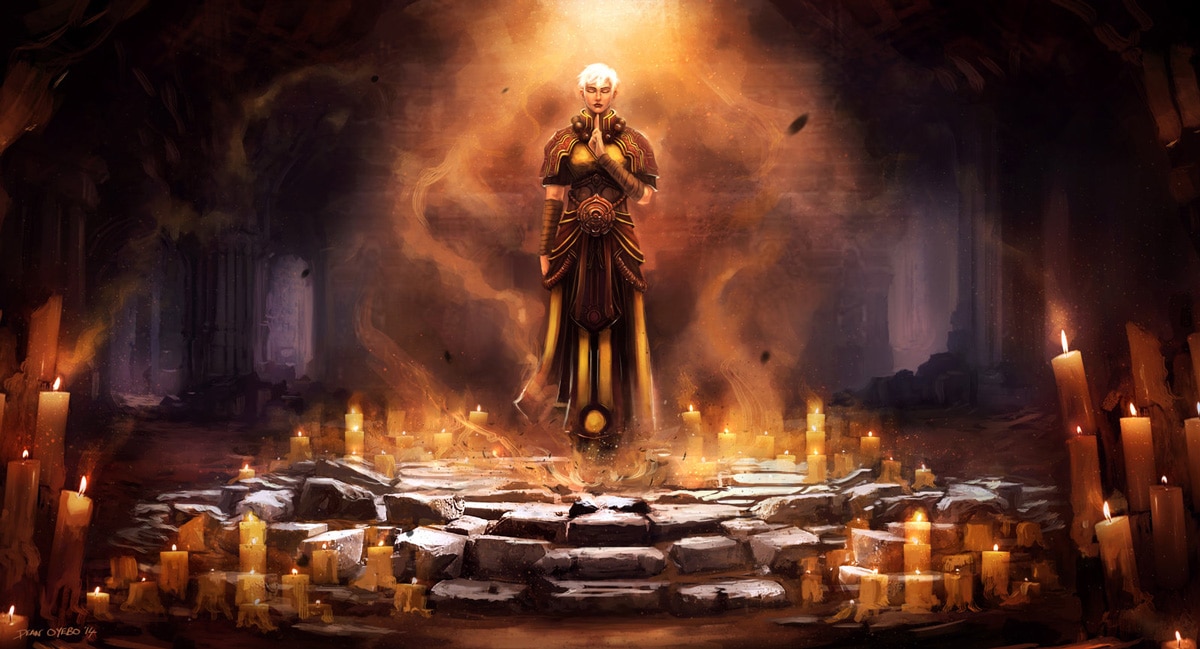
| "Monk" by 0BO |

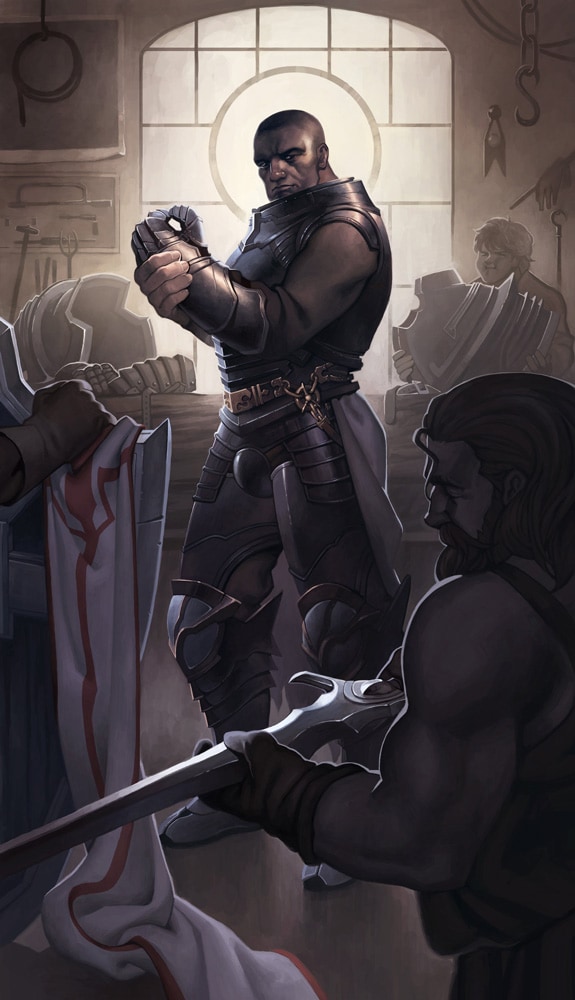 |
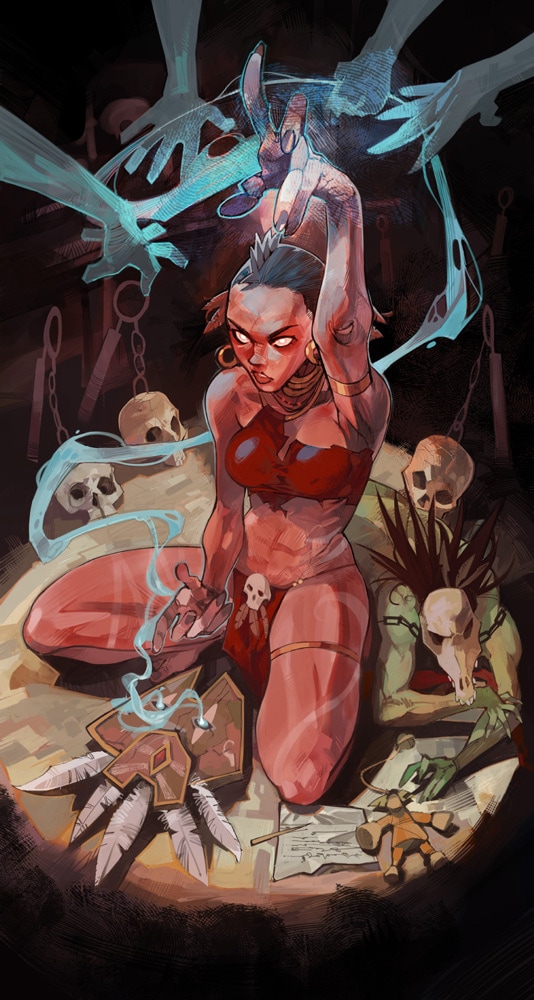 |
| "Diablo III Reaper of Souls - The Crusader" by marrten | "Bless" by Tarasov Konstantin (Pixmilk) |
|
|
| "Diablo III: Reaper of Souls Fan Art Contest" by cyl1981 |
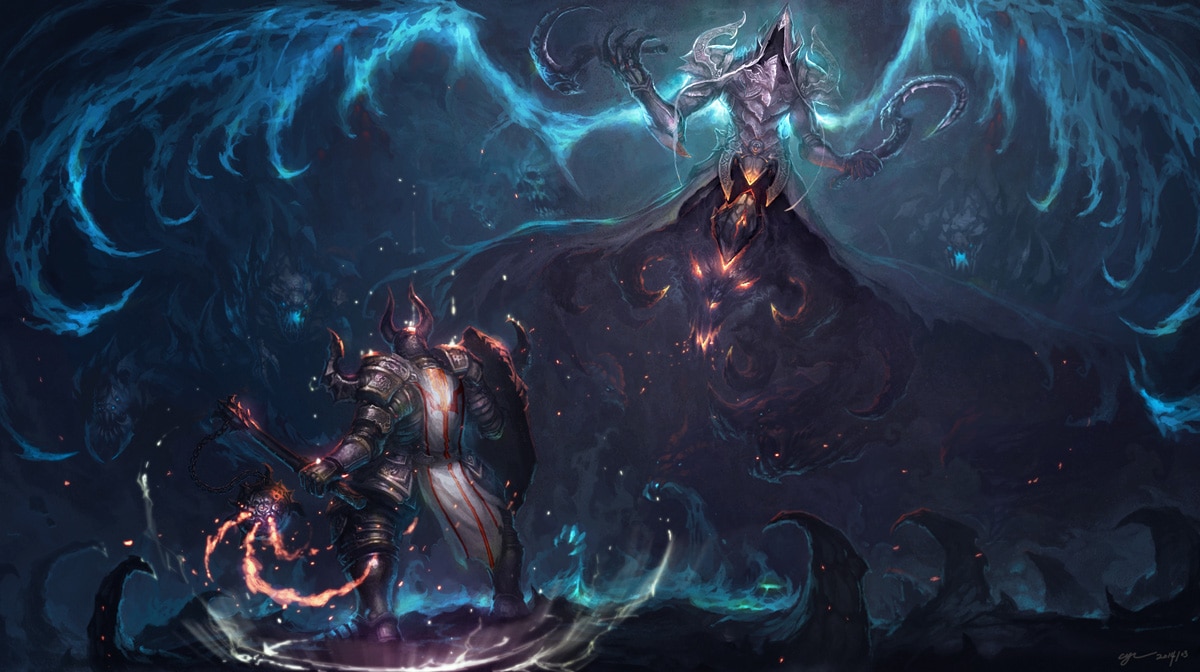
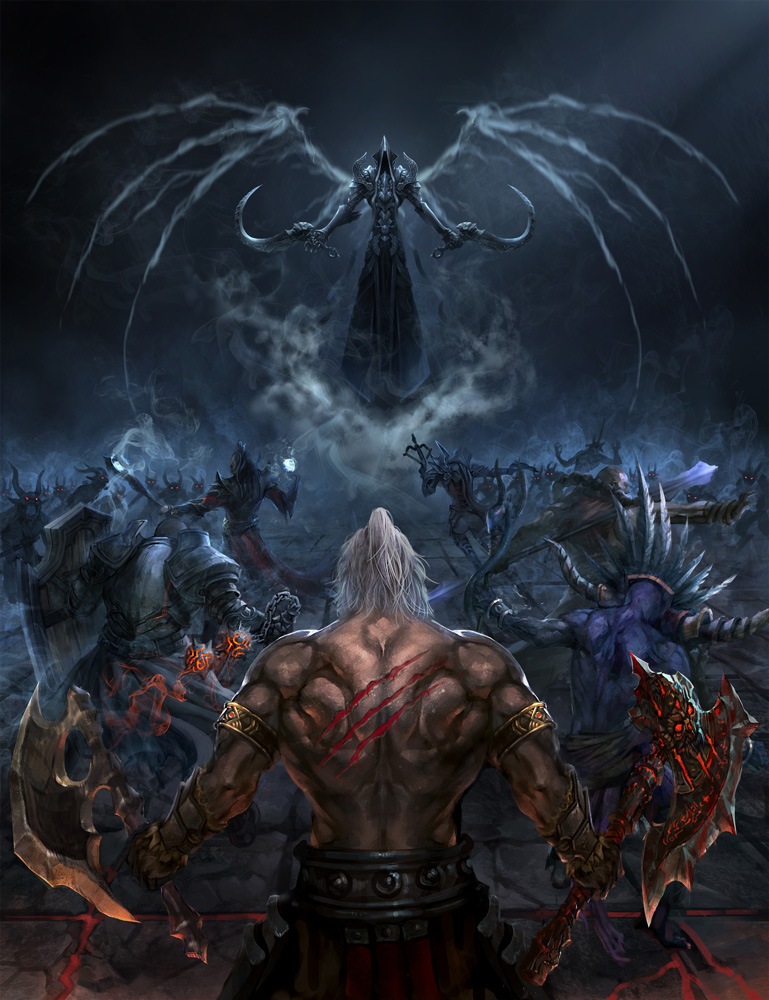 |
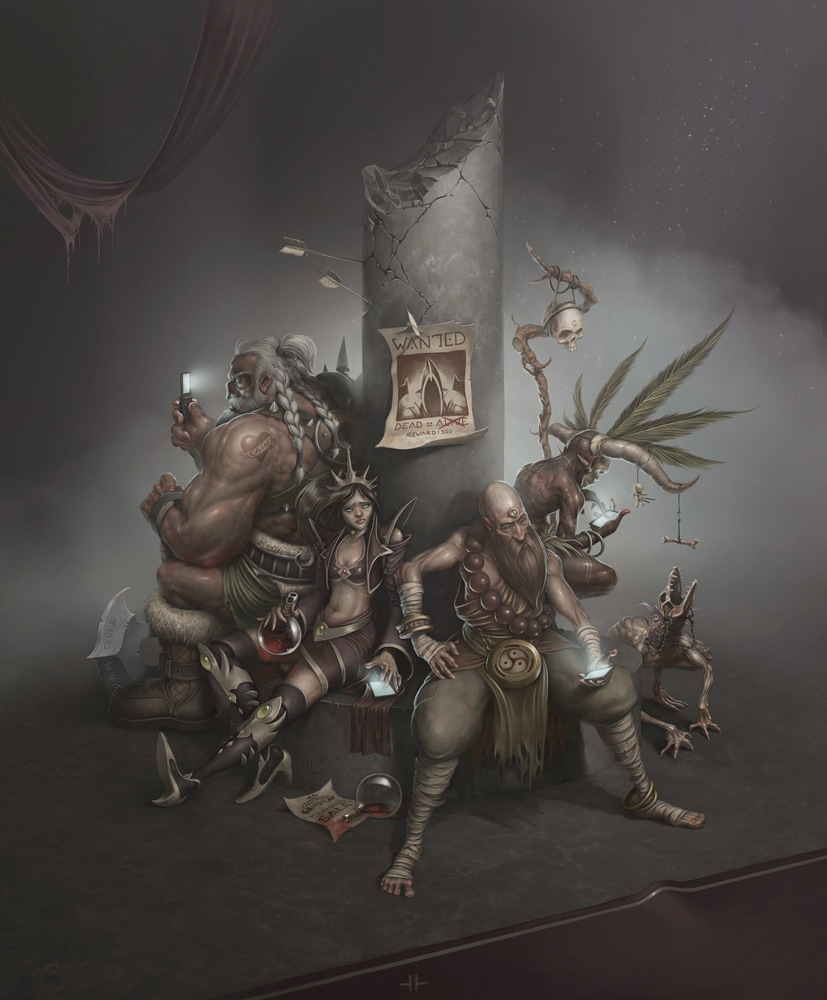 |
| "Diablo III" by Bae Hoon Ku (SearchFinder) | "Respite" by glitchritual |
|
|
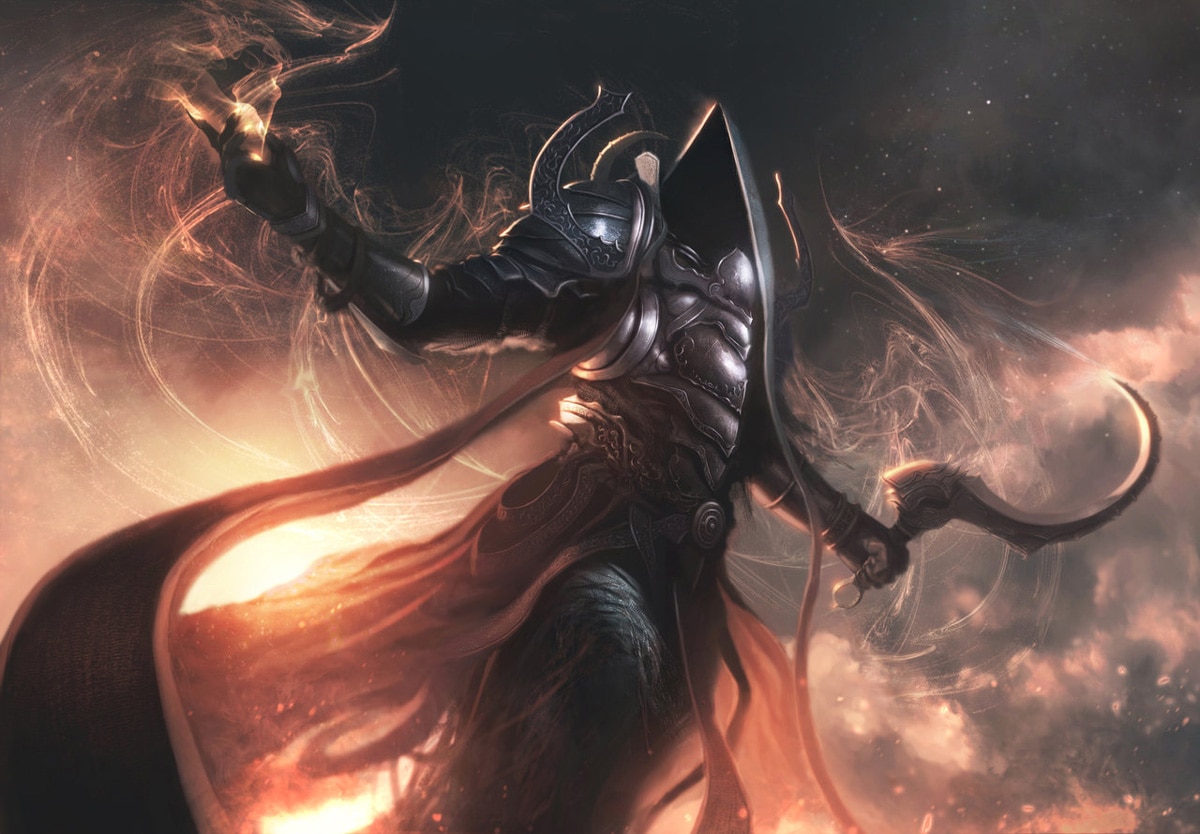
| "Blizzard Contest Malthael" by Joel-Laggerwall |
Thank you to all contest participants for being a part of our wonderfully creative community, and good luck to the 25 semi-finalists! For even more diabolical revelry, be sure to check out more of the artists's work in their respective galleries listed above.
Are you interested in joining in and creating something special for the upcoming launch of Reaper of Souls? Make sure to tell us all about it over in our Community Creations forum!
Blizzard Quote [source]
Only one week remains until Malthael, the Angel of Death, makes his terrifying return to the mortal realm. One week until you can lay siege to Act V, charge forth as the Crusader, master powerful new skills, and explore the world of Sanctuary like never before. One week!
To tide you over until death's descent, we've just unleashed our official gameplay trailer on YouTube. Discover what harrowing challenges and tantalizing rewards await your heroes beyond the gates of Westmarch in the all-new video below.
Are you ready to go anywhere and slay anything? We sure as hell are! Diablo III: Reaper of Souls™ arrives on March 25, but remember: death is only the beginning.
Patch 2.0.1 will introduce our updated Paragon leveling system (often referred to as "Paragon 2.0"), adding even more end-game character advancement and replayability. This update will affect all Diablo III accounts across all regions as the patch is implemented, and is currently available for testing on the Patch 2.0.1 PTR and Reaper of Souls Closed Beta.
For those of you who haven't yet experimented with this new system, here's a first look.
What's Changing?
The initial implementation of the Paragon system introduced in patch 1.0.4 was designed to provide players with additional end-game progression, offering bonuses for experience gained past the standard level cap. This system was created to accompany and complement the more innate item-based progression in Diablo III, which is all about finding powerful artifacts and putting them to use against the demonic legions of the Burning Hells.

While the original version of the Paragon leveling system achieved its many goals, with time players would max out at level 100 and no longer feel rewarded for vanquishing evil. With patch 2.0.1, we're making three big changes to the Paragon system that are aimed at giving you greater control over your hero, promoting variety in build options, and offering more character customization than ever before.
Change #1: Goodbye Level Cap
The first change we're making with Paragon 2.0 is removing the level cap, so you will always be able to earn Paragon experience once you've reached max level. Play as much as you like you'll always be able to earn more Paragon levels!
Change #2: Shared Paragon Levels
The second change is that Paragon levels are now account-wide per game mode (i.e. Normal and Hardcore). All Normal heroes on an account will share a Paragon level. Similarly, all Hardcore heroes on an account will share a Paragon level. After patch 2.0.1 goes live, any Paragon experience you gain on your Normal or Hardcore heroees will contribute to your account's Normal Shared Paragon level or Hardcore Shared Paragon level, respectively.
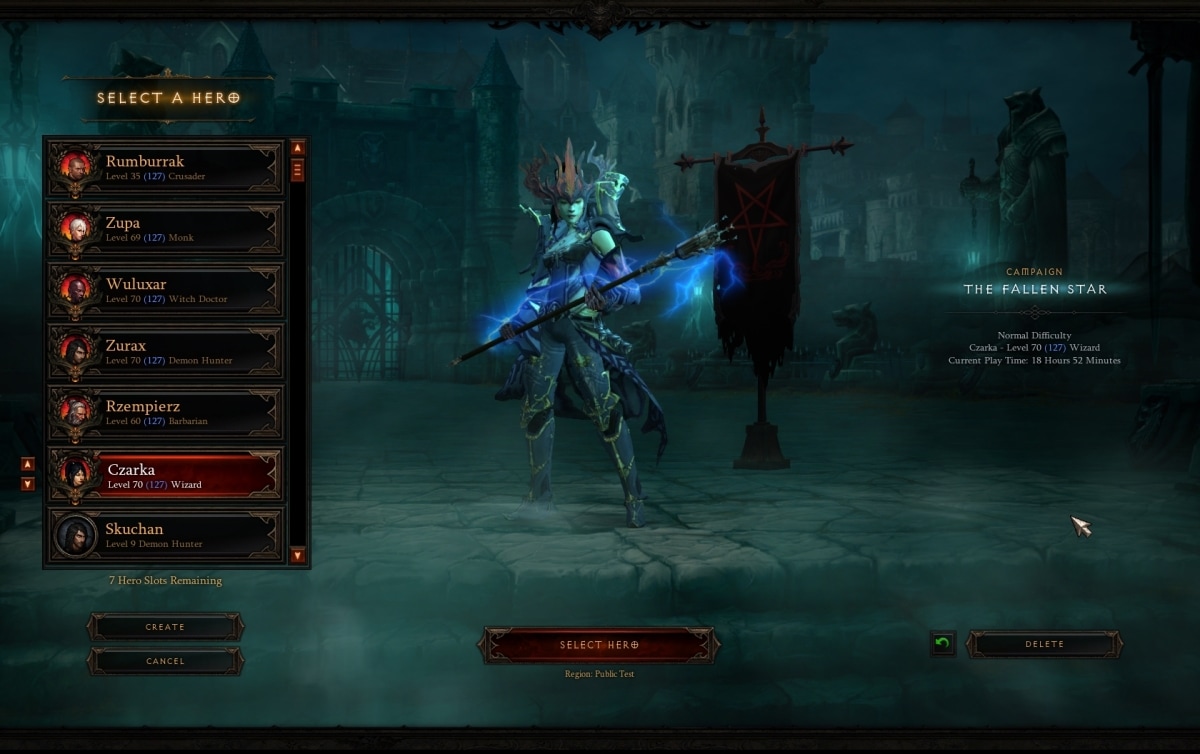
We made this change so players wouldn't feel obligated to continue playing the same hero over and over again in order to maximize their farming efficiency. We want players to have fun with the game, to experiment with different classes, and to feel rewarded for their time investment, regardless of what hero they're playing. We also want everyone to fully enjoy the new content coming in Reaper of Souls including the Crusader class without feeling as though they've "wasted Paragon levels" on a previous hero.
While only max-level heroes can earn shared Paragon experience and contribute to your account's shared Paragon level, all heroes (regardless of level) will be eligible to receive Paragon Points our third major change to the Paragon leveling system.
Change #3: Paragon Points
As noted, the third change is that the rewards for gaining Paragon levels have drastically changed. In Patch 2.0.1, the static Magic Find, Gold Find, and class stat bonuses awarded for each Paragon level are being replaced by spendable Paragon Points.
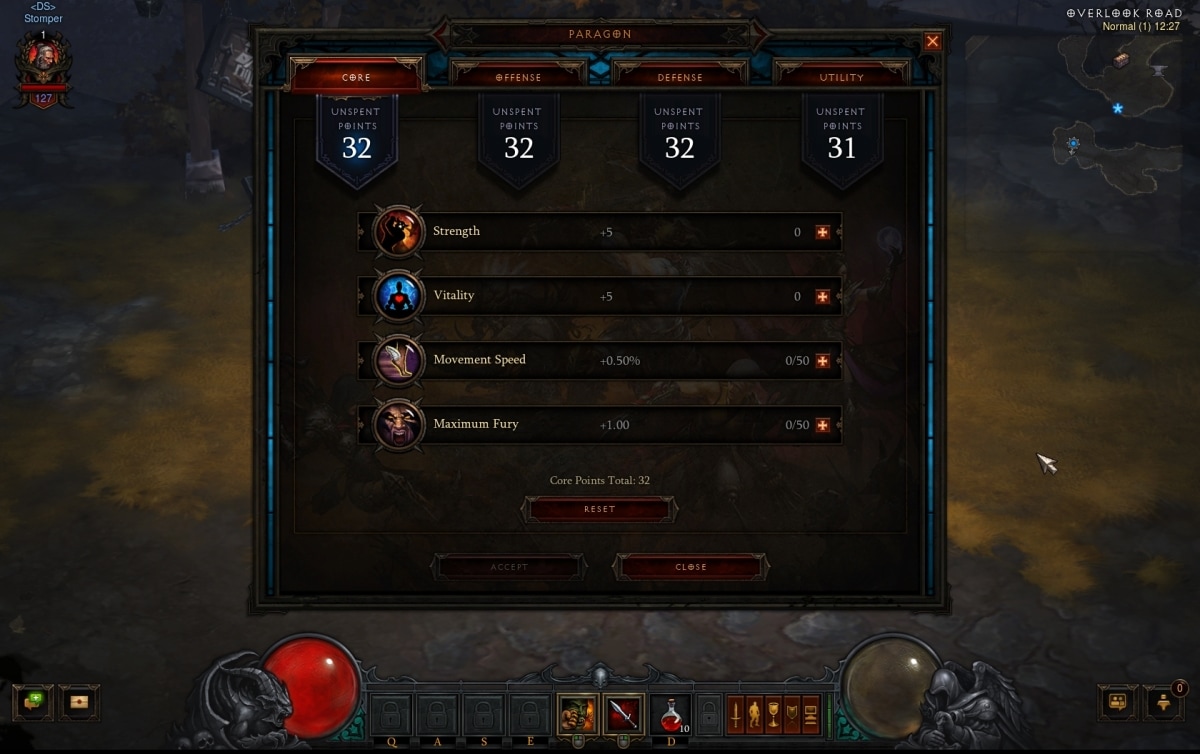
In the new system, whenever you gain a Paragon level, you will receive a Paragon Point to allocate at your discretion. Paragon Points are earned in four separate categories: Core, Offense, Defense, and Utility, and the Paragon level you earn will determine the category in which that Paragon Point can be spent. Paragon level 1 will give you a point to spend in a Core stat, Paragon level 2 will give you a point in Offense, Paragon level 3 will give you a point to spend in Defense, and Paragon level 4 will give you a point to spend in Utility. Paragon Point progression for all future levels will follow this same pattern (sometimes referred to as round-robin).
In addition, each category also four different attributes. Spending points in these attributes will provide specific bonuses for your hero.
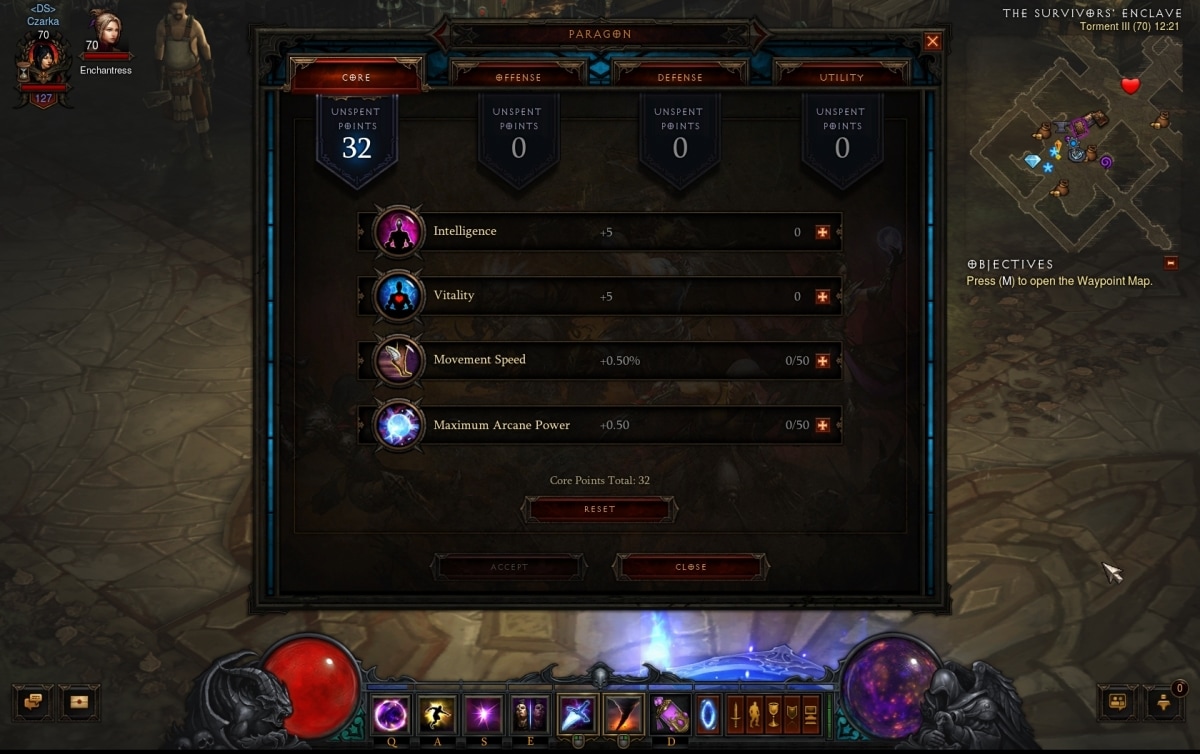
Core points can be spent on your class's primary stat, Vitality, Movement Speed, or bonus Class Resource.
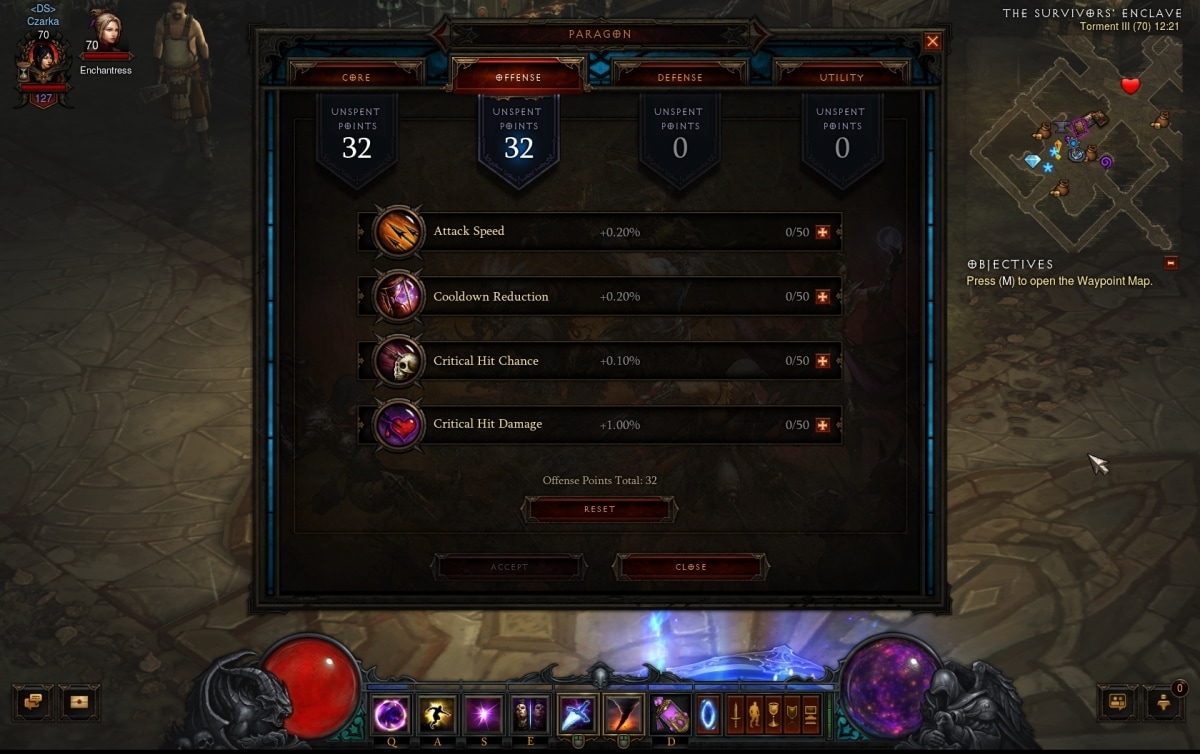
Offensive points focus on increasing your damage output and efficiency, and include Attack Speed, Cooldown Reduction, Critical Hit Chance, and Critical Hit Damage.
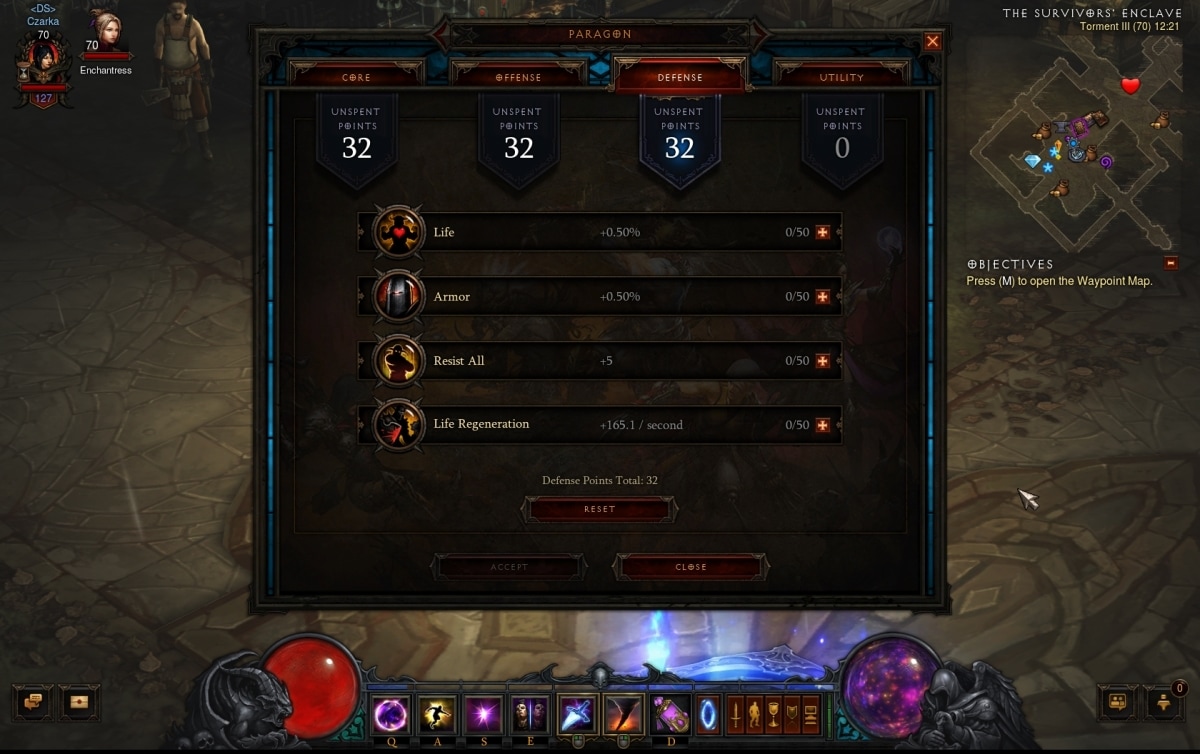
Defensive points include stats that help improve your survivability. Options include bonus Life percentage, bonus Armor, Resist All, and Life Regeneration.
Utility points include more specialized stats that allow players to refine their builds. These points can be spent on boons like Area Damage, Resource Cost Reduction, Life on Hit, and Gold Find.

At present, all attributes in each category other than core stats (Strength, Intelligence, Dexterity, and Vitality) have a cap on the number of points that can be allocated to them, which also means there is a cap to the total number of Paragon Points you can accumulate in three of the four categories. By the time you reach Paragon 800, you will have maxed the number of points that can be allocated to the Offensive, Defensive, and Utility categories and all future Paragon levels you earn going forward will grant you a Paragon Point in the Core stat category instead.
Additional Details:
- The new Paragon system is account-wide; all heroes will benefit from the gained bonuses, including your newly created characters!
- Your account's Paragon Point pool is not shared between your heroes. Instead, heroes on your account will each get their own set of Paragon Points to spend independently (e.g. you can spend your Paragon Points differently for each hero). To provide an example, if your account's Normal Shared Paragon level is 100, all Normal heroes on your account will each get 100 Paragon Points to distribute as you see fit.
- All heroes will be able to contribute to Shared Paragon levels equally. There are no bonuses or burdens for Paragon leveling multiple heroes of the same class.
- Be sure to experiment! You can reset your Paragon Points at any time without having to pay a single gold coin. Respecs occur on the hero level, not the account level, so respeccing on one hero will not reset your Paragon Points on other heroes.
To provide an example, here's a new level 1 hero. This hero will begin with a Shared Paragon level of 127 as well as 127 Paragon Points, which can be allocated at will to the four different categories.

Transitioning to the New System
Heroes who have gained Paragon experience under the old system will transition seamlessly to the new system. When Paragon 2.0 goes live with patch 2.0.1, we'll being adding up all the Paragon experience on each of your heroes and then using that combined total (the total amount of Paragon experience you have, not the total number of Paragon levels) to determine your Shared Paragon level. Again, this will be broken down by game type Normal and Hardcore.
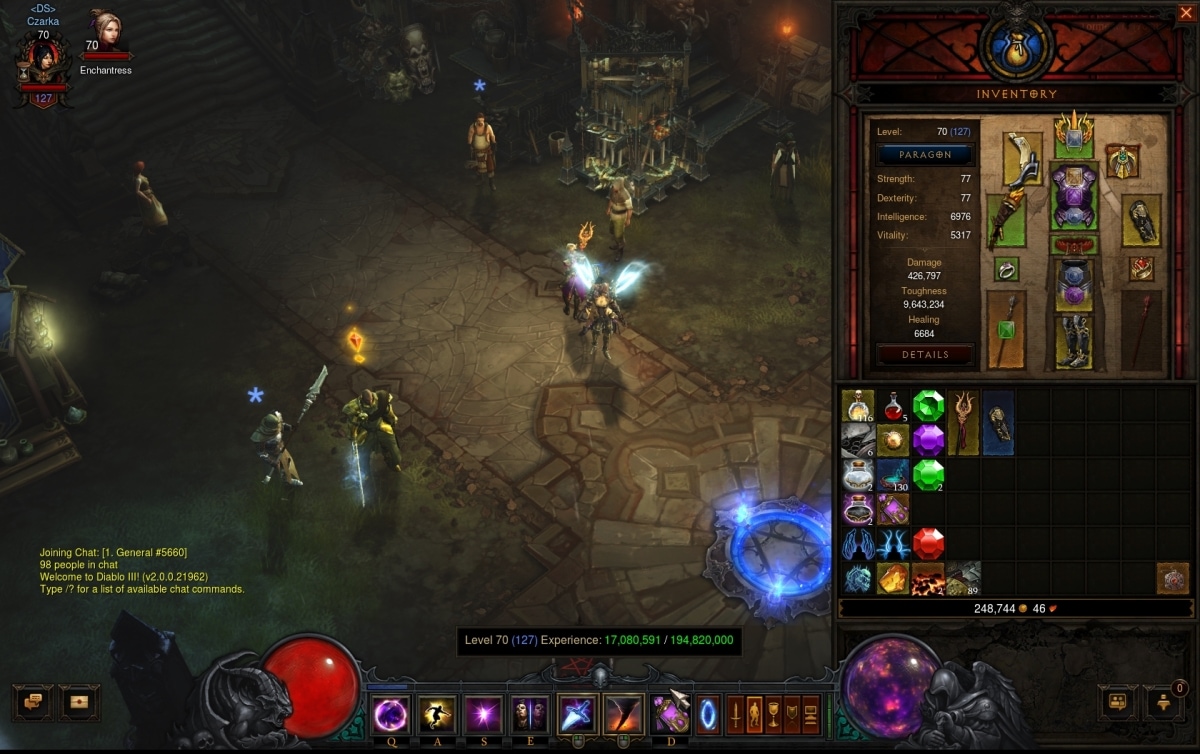
Players can distribute their earned points through the Paragon interface, accessed by clicking the "Paragon" button located in your hero's character sheet.
Additional Details:
- Please note that legacy Paragon levels will not convert to Paragon 2.0 levels on a one-to-one ratio, and that the number of Paragon levels is not being totaled, just the amount of Paragon experience.
- The Paragon experience curve has changed with patch 2.0.1 as well. With the transition to Paragon 2.0, your Shared Paragon level will be at least as high as the highest Paragon level hero on your account.
- We have also decided that the valiant deeds of Hardcore heroes who died beyond level 60 deserve commemoration. Dead Hardcore heroes will contribute their cumulated Paragon experience to an account's Hardcore Shared Paragon level total.
- After Paragon 2.0 goes live, if you are level 60 and do not have the Reaper of Souls enabled on your account, you will continue to earn Paragon experience in the new system. This is because you are still technically at the level cap. However, if you are level 60 and decide to enable the expansion on your account, you will stop earning Paragon experience. This is because the expansion increases the level cap to 70. Once you reach level 70, you will start to accrue Paragon experience again from where you left off. (So, basically: Only max-level characters will be able to earn Paragon experience. If you don't have the expansion, max-level = 60. If you have the expansion, max-level = 70.)
- Under Paragon 2.0, if a character dies or is deleted, the amount of Paragon experience it contributed to your Shared Paragon level will not be lost. This is a benefit of having Paragon experience stored at the account level, rather than at the character level.
- Lastly, you will keep the portraits you have already earned in the first version of the Paragon system.
Try Paragon 2.0 on the PTR
You can experience the new Paragon system coming in patch 2.0.1 on the PTR. Check out how your heroes feel with new stats, play around with different stat builds by spending Paragon Points, and check out the new Paragon progression curve. Once you've tried it out, visit the PTR forums to leave your feedback we'd love to hear what you think!
Blizzard Quote [source]
...but the minions of Hell grow stronger.
Lore seekers and theorycrafters, take note: the Crusader class page and skill calculator are now available in the Diablo III Game Guide!
The Crusader Class Page
The Crusader class page is a vast repository of sacred knowledge, containing key details about these unyielding champions of the Light. On the page, you will find a litany of practical information including core class mechanics, character background, unique equipment, a resource overview, an armor progression preview, combat screenshots, artwork, and more.

Updated Skill Calculator
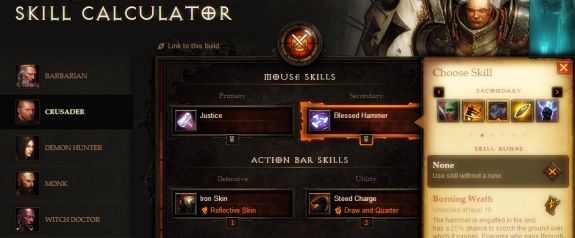
In addition to these high-level highlights, the class page also provides a comprehensive breakdown of Crusader skills and abilities. If you're looking to challenge Malthael's armies in Westmarch and beyond, be sure to explore the Active, Passive, and Progression sub-pages to learn more about the divine powers your Crusader can wield. We also encourage you to experiment with new builds using our updated Skill Calculator!
For more information about Crusader lore and history, click here. For a sneak peek at the upcoming Crusader short story, "The End of Her Journey," click here.
To learn about other recent changes made to the Game Guide, click here.
Blizzard Quote [source]
While some players might revel in the nitty gritty of combat skills and techniques, others like myself have an insatiable taste for the flavorful histories that round out (and give context to) the heroes of Sanctuary.
Our newest champion is no exception, and story developer Robert Brooks has been hard at work weaving a tale of intrigue about the Crusader and her mission. His narrative will not only give you an inside look at how this nephalem's journey comes to pass, but also an understanding of who she is as an individual.
To give you a glimpse of the crusade to come, we've prepared a special sneak peek of "The End of Her Journey," available below. Enjoy!
Anajinn was reading through a thick tome when he entered the library. "Anajinn, or whatever your name is, you need to leave now." She glanced up at him and turned a page, tracing along the text with her gauntleted fingers as she read.
"I heard some angry words out there," she said.
"There's a man… a paladin. He says you're a heretic," Reiter said.
She laughed. "I suppose he would." Her eyes never left the book. Reiter stammered incoherently for a moment. "Did he threaten to kill me?" she asked.
"Well, not… Yes." Reiter tried to make his voice firm. "He's waiting outside for you now."
"Nice of him to send you to warn me."
She continued to read. Reiter shifted uncomfortably. "Aren't you going to… face him?"
"Eventually. If he's still there," she said. "I have a lot of reading left. Maybe he'll find something better to do."
Reiter felt utterly helpless. Dragging her out seemed like a bad idea. Still, he pressed forward. "Anajinn, I want you to leave my inn. Right now." She didn't immediately respond, and Reiter exploded. "What is wrong with you? What is in that book that's more important than a man trying to kill you? Why in the Hells have you come back to my inn?"
Anajinn sighed and set down her book, sitting up straight. Her armor clacked together lightly. "Your father asked my master—"
"The real Anajinn? The first one?" Reiter interrupted without thinking.
She didn't seem to take offense. "Her, yes. But she wasn't the first. Anajinn began her crusade a couple centuries ago," she said. Reiter blinked at that, but she moved on. "Your father asked all about our crusade. He didn't share that with you?" Reiter shook his head, lips pressed together. "Then I'll be brief. I'm searching for something to save my faith."
"From… what?"
Anajinn's smile was sad. "Decay. Corruption."
"So why does this paladin hate you so much?"
"Would you be happy to have someone tell you your faith is flawed at its core? Doomed to rot and cause untold suffering and pain?" She sighed. "I don't think this paladin outside is of high rank. Knowledge of the crusade is suppressed to all but the leaders of his order. If he were one of them, he would not wait patiently."
"What would he do?"
"He would level your inn to kill me." Anajinn's expression hardened. "I don't know whether I can talk sense into him. If I can't, I'll likely need to leave town. So until I'm ready to leave, I'm going to finish my reading."
"But he threatened to kill me too!" There. It was out.
A pause. "Did he?"
"Well, not in so many words…"
Anajinn cut him off. "But you felt threatened." It wasn't a question. Anajinn closed her book. "Then I will leave immediately. I don't want you to feel at risk because of me.
"But this book," she said, holding it up. "Would you be willing to sell it? I can pay a fair price."
Reiter stared at her.
Are you excited to read more? We are too and look forward to releasing "The End of Her Journey" by Robert Brooks in its entirety on diablo3.com next week!
In the meantime, be sure check out the other class short stories we've published (if you haven't already):